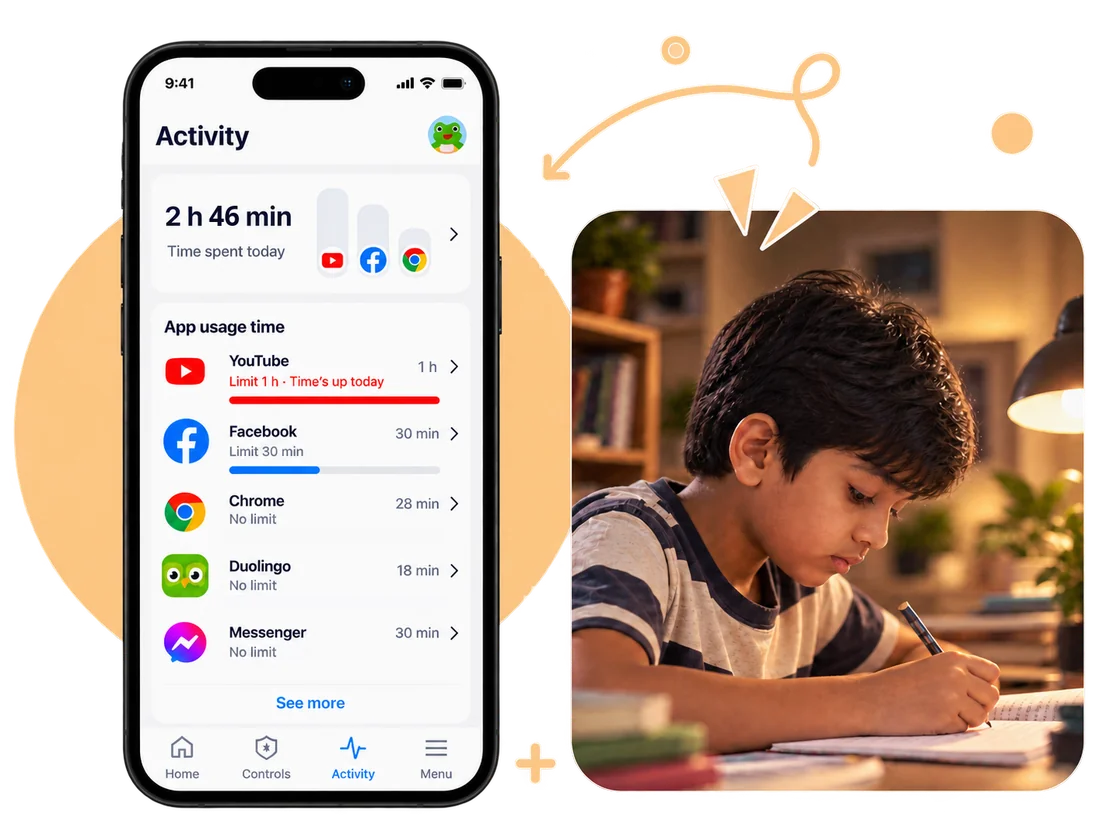
A practical guide from the ChayaNetwork team for the moments when family life and the online world meet.
Begin with one concrete need
Do you want to set downtime, approve app installs, restrict certain sites, or make household rules easier to follow? No single tool handles every job well. Define the problem first, then compare only options that address it.
What built-in controls can do
Phone and platform controls may offer screen-time schedules, app approvals, purchase limits, and content settings. Their exact features depend on the device, operating system, and child account. For example, Google documents screen-time controls in Family Link: Google Family Link: set screen-time limits.
When a paid service may be useful
A paid product may offer a simpler dashboard, cross-device management, network filtering, or support. Check the details instead of assuming the subscription covers every device or app.
- Does it work on your child’s devices and mobile data?
- What information does it collect, and how long is it kept?
- Can the child bypass or disable it?
- Can you cancel easily, and what happens to data after cancellation?
- Does it solve your specific need better than built-in settings?
Make a choice you can maintain
Start with the simplest setup you can explain and review. Add another tool only if there is a clear gap. Parental controls work best when children understand the rules and have a safe way to ask for help—not when monitoring becomes the entire relationship.
Good digital habits grow through small, repeatable steps.